PDF Merge Order Checklist
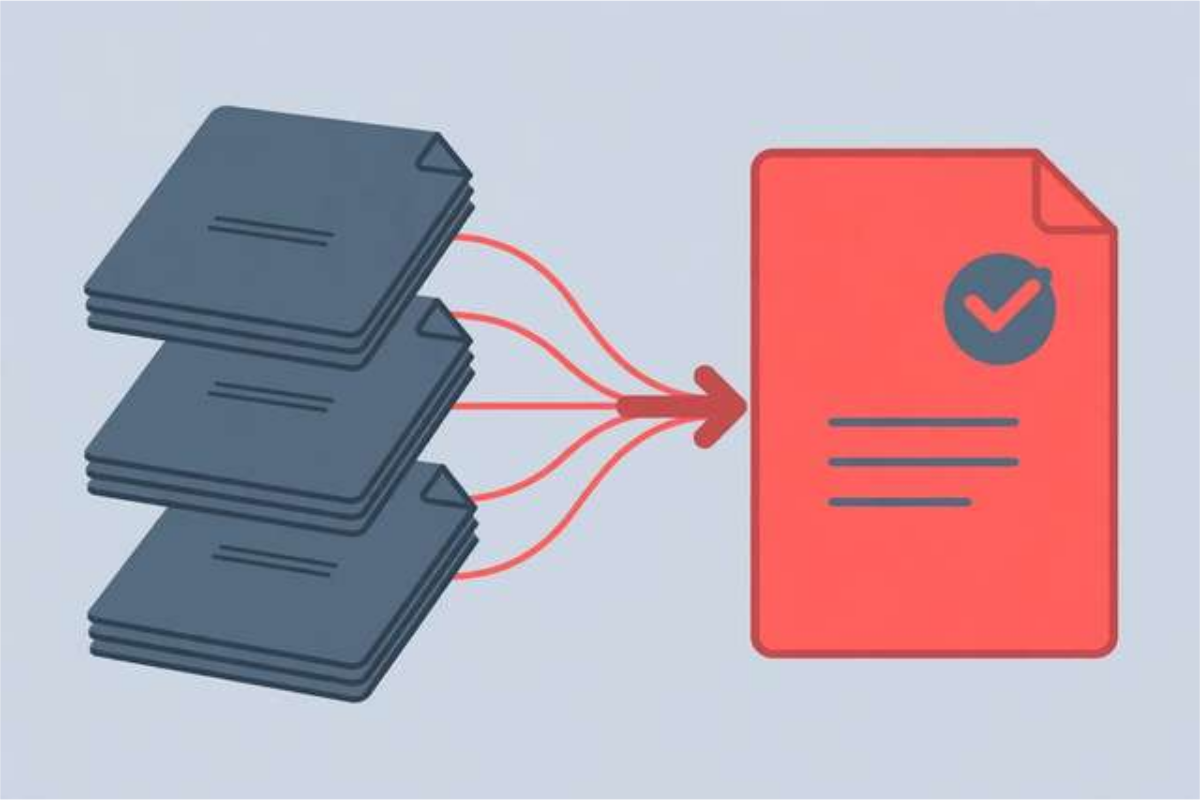
Merging PDFs sounds simple until the result comes back wrong: chapters out of order, a blank page in the middle, a sideways scan, or a file so large it bounces back from an inbox. The problem is rarely the merge tool — it is the lack of a simple order of operations. When files arrive from scanners, colleagues, and downloads, each one carries its own page size, orientation, and quirks, and combining them without a plan produces a document that looks careless. This checklist gives you that plan in 28 steps, split into before, during, and after the merge. It suits students submitting assignments, office workers assembling reports, and anyone who regularly combines scanned documents. Ten steps are shown below; the free download holds the complete checklist, ready to print or keep beside your desk.
What’s inside this checklist
The before-merge section covers the decisions that prevent most disasters: setting the reading order first, renaming files with number prefixes, checking that every file opens, and confirming orientation and page size. Five minutes here saves a rebuild later, especially for long documents assembled from many sources. The during-merge section handles the merge itself: working in small batches for large files, keeping color pages in color where it matters, and handling scanned pages. The after-merge section is the quality pass most people skip — scrolling the whole document, checking page numbers and links, compressing oversized files, and confirming the final version before it goes anywhere. Together, the three sections turn merging from a gamble into a routine.
PDF merge order checklist (free sample)
Ten steps from the full 28-step checklist. The complete checklist is in the free download.
- Decide the final reading order before you touch any file — the cover page first, then chapters in order.
- Rename files with a number prefix (01-cover, 02-chapter-1) so the order is obvious at a glance.
- Check that every file opens correctly and is not password-protected or corrupted.
- Confirm all pages use the same orientation; rotate sideways pages before merging.
- Remove blank pages, duplicate scans, and draft pages you do not want in the final file.
- Check page sizes: mixed letter and A4 pages look messy when printed.
- Decide whether to keep color pages in color or convert everything to grayscale.
- Merge in small batches if the files are large, then merge the batches together.
- After merging, scroll through the whole document once to catch out-of-order pages.
- Check that bookmarks or a table of contents still point to the right pages.
How to use this resource
- Start at the top of the checklist and work down — do not skip the before-merge section, even for small merges.
- Rename every file with a number prefix so the order is visible before you open any merge tool.
- Merge, then immediately do the after-merge pass: scroll the whole file, check page numbers, and look for stray blank pages.
- If the merged file is too large, compress it and check quality before sending, not after.
- Save the final file with a clear name and date, and keep the originals until the recipient confirms receipt.
Print the checklist once and keep it with your scanner or merge tool — it becomes second nature within a few uses.
Frequently asked questions
Why do merged PDFs end up with pages in the wrong order?
Because merge tools usually order files by filename, not by content. Numbering files before merging (01, 02, 03) is the simplest fix, and it works in every tool.
Why is my merged PDF so large?
Scanned color pages are the usual cause. Converting scans to grayscale or compressing images before merging can cut the size dramatically without hurting readability.
Should I merge first or sign first?
Always merge first and sign last. Signing before merging can break the signature or leave it attached to only part of the document.
Download the PDF Merge Order Checklist
Keep reading
How to Remove Annotations and Comments from a PDF Online Free
Remove highlights, sticky notes, and comments from a PDF online free — clean up marked-up documents before sharing, without installing software.
Read more →
How to Validate a PDF File Online Free (Check for Corruption Before You Send It)
Validate a PDF online free: check for corruption, broken pages, and unreadable files before you send an important document — in seconds, in your browser.
Read more →
Livestream Equipment Checklist for Beginners
A free livestream equipment checklist for beginners: 30 steps covering software, connection, camera, lighting, audio, and going live with confidence.
Read more →