Livestream Equipment Checklist for Beginners
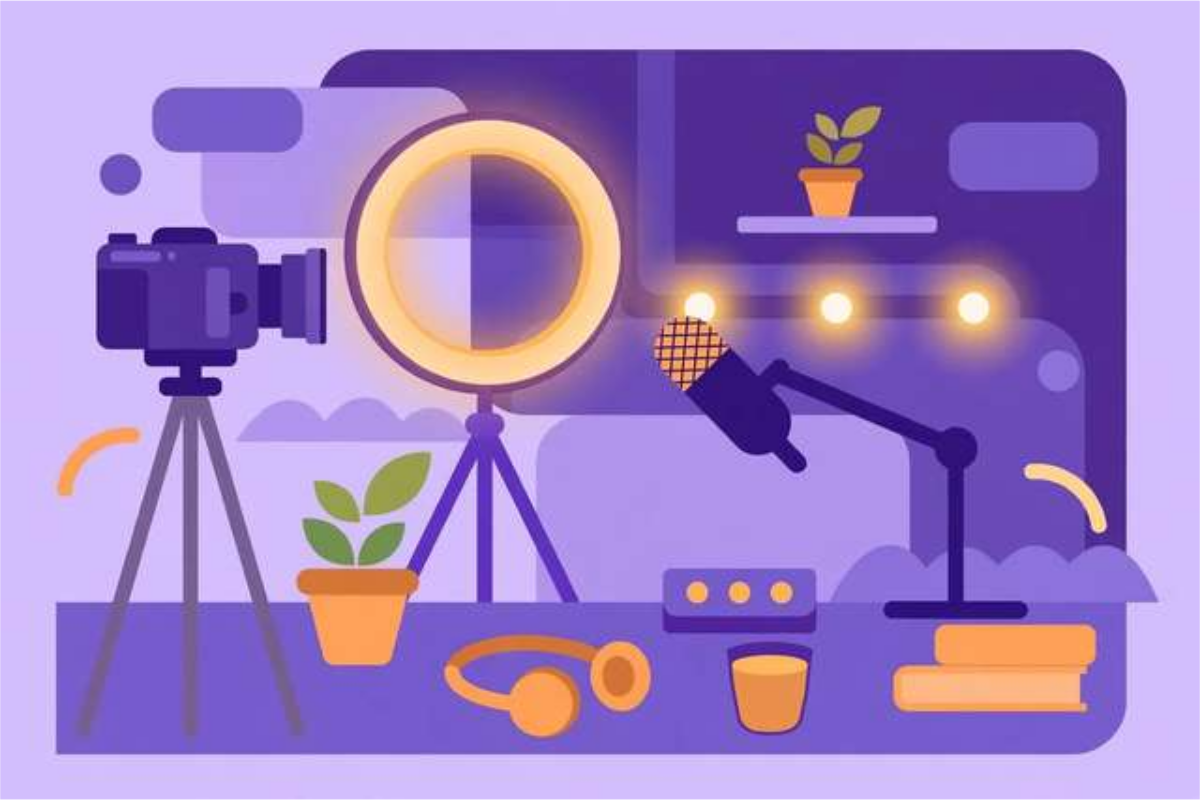
Starting a livestream feels harder than it is, mostly because of the equipment questions: which camera, which microphone, which software, and how fast must the internet be? The honest answer for beginners is simpler than the gear reviews suggest. A phone or basic webcam, a decent USB microphone, one light, and a stable connection are enough for a stream that looks and sounds professional — the rest can wait until you have an audience that justifies it. This checklist walks you through all 30 steps in order: planning your stream, setting up software and connection, getting camera, lighting, and audio right, running a private test, and handling the live show itself. It suits new streamers on YouTube, Twitch, TikTok, or Facebook, and it doubles as a pre-stream routine you can repeat every time. Ten steps are below; the free download holds the complete checklist.
What’s inside this checklist
The planning section settles the decisions that shape everything else: topic, format, platform, and the platform’s own requirements. The connection and software section covers the unglamorous part that actually determines stream quality — upload speed, a wired connection, and free software that does the job. Camera, lighting, and audio get their own section because audio matters more than video: viewers forgive a plain picture, but they leave fast when they cannot hear you clearly. The before-you-go-live section is the test routine — private test stream, title, thumbnail, and run-of-show — and the final section covers the stream itself: greeting viewers, handling quiet chat, taking breaks, and turning the recording into clips afterwards.
Livestream equipment checklist (free sample)
Ten steps from the full 30-step checklist. The complete checklist is in the free download.
- Decide your topic and format: Q&A, tutorial, gameplay, chat, or interview.
- Pick a platform and check its streaming requirements (account age, followers, software).
- Choose streaming software: OBS Studio is free and works for most beginners.
- Test your internet speed: aim for at least 10 Mbps upload for 720p, 20 Mbps for 1080p.
- Use a wired ethernet connection instead of Wi-Fi whenever possible.
- Camera: a phone or basic webcam is fine to start; upgrade later.
- Lighting: face a window or use one affordable ring light — never sit with light behind you.
- Audio: use a USB microphone or headset mic; built-in laptop mics sound echoey.
- Test audio levels before going live: your voice should peak in the green-to-yellow range.
- Set up your scene: camera, screen share, and any overlays you want.
How to use this resource
- Work through the checklist top to bottom for your first stream, and keep it open during setup.
- Always run a private test stream before going public — it catches audio and connection problems cheaply.
- Spend your first money on audio, not a camera: a USB microphone improves a stream more than any other single upgrade.
- Save your streaming software profile after a good setup, so a crash never costs you your scenes.
- After each stream, write down one thing to improve next time; small fixes compound fast.
Your first stream will not be perfect, and it does not need to be — it needs to happen, so the second one can be better.
Frequently asked questions
What equipment do I really need to start streaming?
A device with a camera, a USB microphone or headset, one light source, and a stable internet connection. That is enough. Upgrade gear only after you have streamed regularly for a month or more.
How fast does my internet need to be?
At least 10 Mbps upload for a smooth 720p stream, and 20 Mbps for 1080p. A wired ethernet connection is far more reliable than Wi-Fi at the same speed.
Should I use OBS Studio?
Yes, for most beginners. It is free, works on all major platforms, and handles scenes, overlays, and screen sharing. Start with one simple scene and add complexity later.
Download the Livestream Equipment Checklist for Beginners
Keep reading
PDF Merge Order Checklist
A free PDF merge order checklist: 28 steps to combine PDFs in the right order, catch missing pages, and send a clean final file.
Read more →
100-Point Technical SEO Audit Checklist
Free 100-point technical SEO audit checklist: crawlability, indexing, Core Web Vitals, structured data, internal linking, images, and security checks.
Read more →
Moving House Checklist (Printable)
Free 40-step moving house checklist: an 8-week timeline from decluttering to moving day — packing, utilities, address changes, and settling in.
Read more →