JSON to SQL Converter Guide: Turn JSON Data into Database Tables
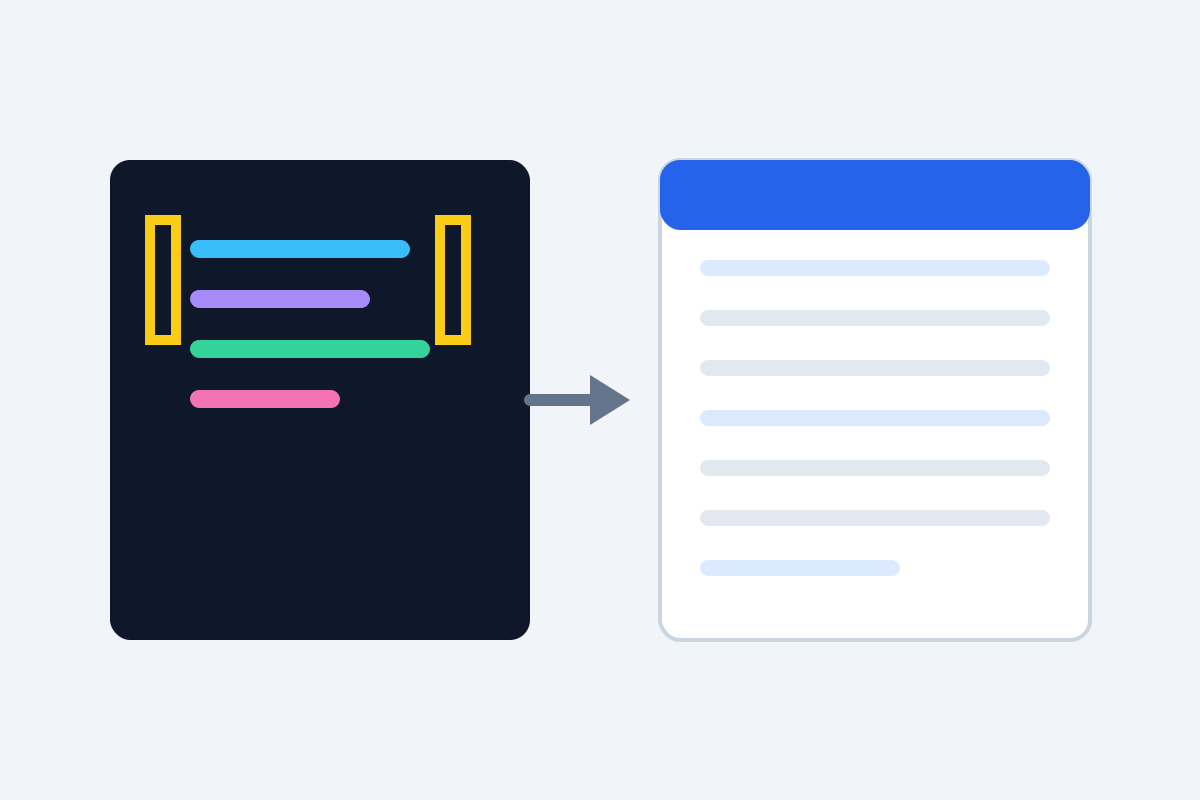
APIs speak JSON. Databases speak SQL. Sooner or later, every developer faces the job of moving data from one world to the other: an API response that needs to become a table, a JSON export that belongs in a database, a pile of log data that would be far easier to query in SQL. Writing the CREATE TABLE and INSERT statements by hand is slow, error-prone, and deeply boring. A JSON to SQL converter does it in seconds — if you understand what it is doing with your data.
How JSON maps to a table
The core idea is simple. A JSON array of objects becomes a table: each object is a row, and each key is a column.
[
  { "id": 1, "name": "Ayesha", "city": "Lahore", "active": true },
  { "id": 2, "name": "Omar", "city": "Karachi", "active": false }
]
becomes something like:
CREATE TABLE users (
  id INTEGER,
  name TEXT,
  city TEXT,
  active BOOLEAN
);

INSERT INTO users (id, name, city, active) VALUES
  (1, 'Ayesha', 'Lahore', TRUE),
  (2, 'Omar', 'Karachi', FALSE);
The converter infers column types from your values: numbers become INTEGER or REAL, strings become TEXT or VARCHAR, true/false becomes BOOLEAN, and null becomes NULL. That inference is the part worth understanding, because it is where mistakes creep in.
Convert JSON to SQL in four steps
Our free tool runs entirely in your browser, so your data never leaves your machine:
- Open the converter. Go to our JSON to SQL converter — no account needed.
- Paste or upload your JSON. Paste an array of objects, or upload a
.jsonfile. A single object works too; the tool wraps it as one row. - Pick your dialect and options. Choose MySQL, PostgreSQL, SQLite, or SQL Server, set the table name, and decide how nested objects and arrays should be handled.
- Copy or download the SQL. Paste it into your database client or migration file, and run it.
For a quick check, convert a small sample first and inspect the generated types before running the full file. That thirty-second review catches most problems.
Handling nested objects and arrays
Real-world JSON is rarely flat. A customer record might contain an address object, a list of tags, or both. Converters handle this in a few ways, and the right choice depends on how you plan to query the data:
Flattening turns nested keys into columns with joined names: address plus city becomes address_city. This is the best choice when you want to filter and sort on the nested fields with plain SQL.
JSON columns store the nested object as a JSON string in a single column (PostgreSQL’s JSONB type is ideal for this). This preserves the original structure exactly and suits data you rarely query by its inner fields.
Separate tables are the normalized option: a customers table plus an addresses table linked by ID. Most converters do not do this automatically — it is a design decision, not a mechanical one — but it is worth considering for data you will maintain long-term.
For arrays of simple values, like ["red", "blue"], converters usually join them into a string or store them as JSON. Arrays of objects, like order line items, almost always deserve their own table if you will query them seriously.
Type inference traps to watch for
Automatic type detection is helpful but not magic. Watch these cases:
Codes that look like numbers. ZIP codes, phone numbers, and product SKUs with leading zeros must be TEXT, not INTEGER — otherwise 03000 becomes 3000. If your JSON quotes them as strings, a good converter keeps them as strings; double-check anyway.
Mixed types in one column. If one record has "age": 34 and another has "age": "unknown", the converter must pick a type. Most pick TEXT to avoid data loss, which is safe but means numeric comparisons need casting later.
Dates as strings. JSON has no date type, so dates arrive as strings like "2026-10-25". The converter will call them TEXT unless you tell it otherwise. For date filtering, convert the column to DATE in your database after import, or adjust the generated SQL.
Nulls everywhere. A column that is null in every sampled record gives the converter nothing to infer from. Check the generated type and set it manually if it guessed wrong.
Booleans across dialects. PostgreSQL has a real BOOLEAN type; MySQL commonly uses TINYINT(1); SQLite stores booleans as integers. Picking the right dialect in the converter handles this for you.
From conversion to a working table
Generating SQL is only half the job. A smooth import looks like this:
- Review the CREATE TABLE statement. Confirm the table name, column names, and types. Rename any columns that clash with SQL reserved words (like
orderoruser). - Add a primary key. If your data has a natural ID, mark it as the primary key. If not, consider adding an auto-incrementing ID column — it makes future updates and deletes far easier.
- Import in a transaction. Wrap your INSERT statements so that a failure halfway through does not leave you with half a table. Most database clients do this automatically for a pasted script.
- Sanity-check row counts. Compare the number of inserted rows with the number of objects in your JSON. A mismatch means some records failed — check for quoting problems in string values containing apostrophes.
- Add indexes after import. Indexes slow down bulk inserts, so create them after the data is in, on the columns you will actually filter and join on.
For ongoing syncs — say, a daily API export — save the converter’s settings and reuse them, or script the conversion. A repeatable pipeline beats a manual conversion every time, and it removes the risk of someone choosing different options on different days.
Frequently asked questions
What SQL dialects do JSON to SQL converters support?
Most support the common ones — MySQL, PostgreSQL, SQLite, and SQL Server — with small differences in data types and quoting. Pick the dialect that matches your database, since types like auto-increment and text handling differ.
How are nested JSON objects handled?
Converters usually offer two options: flatten nested objects into columns (for example, address_city) or store the nested object as a JSON string column. Flattening is better for querying; JSON columns preserve the original structure.
Can I convert a large JSON file to SQL?
Yes, but watch for limits. Browser-based converters handle files up to tens of megabytes comfortably. For very large datasets, split the file or use a command-line script instead of a web tool.
Does converting JSON to SQL change my data?
A good converter preserves values exactly, including numbers, booleans, and nulls. Check the generated SQL for type guesses — a ZIP code stored as a number loses leading zeros, so strings are safer for codes and identifiers.
Keep reading

What Is a PWA Manifest? How to Generate One Free
Learn what a PWA web app manifest is, which fields matter for SEO and installs, and how to generate a valid manifest.json free in under 5 minutes.
Read more →
How to Convert a .env File to JSON Online Free
Convert a .env file to JSON online free — turn KEY=value pairs into clean JSON for configs, APIs, and deployment pipelines.
Read more →
JSON Validator: How to Find and Fix JSON Errors Fast
Invalid JSON breaks APIs and apps. Learn the most common JSON syntax errors, how to read error messages, and how to validate JSON free online.
Read more →