How to Validate a PDF File Online Free (Check for Corruption Before You Send It)
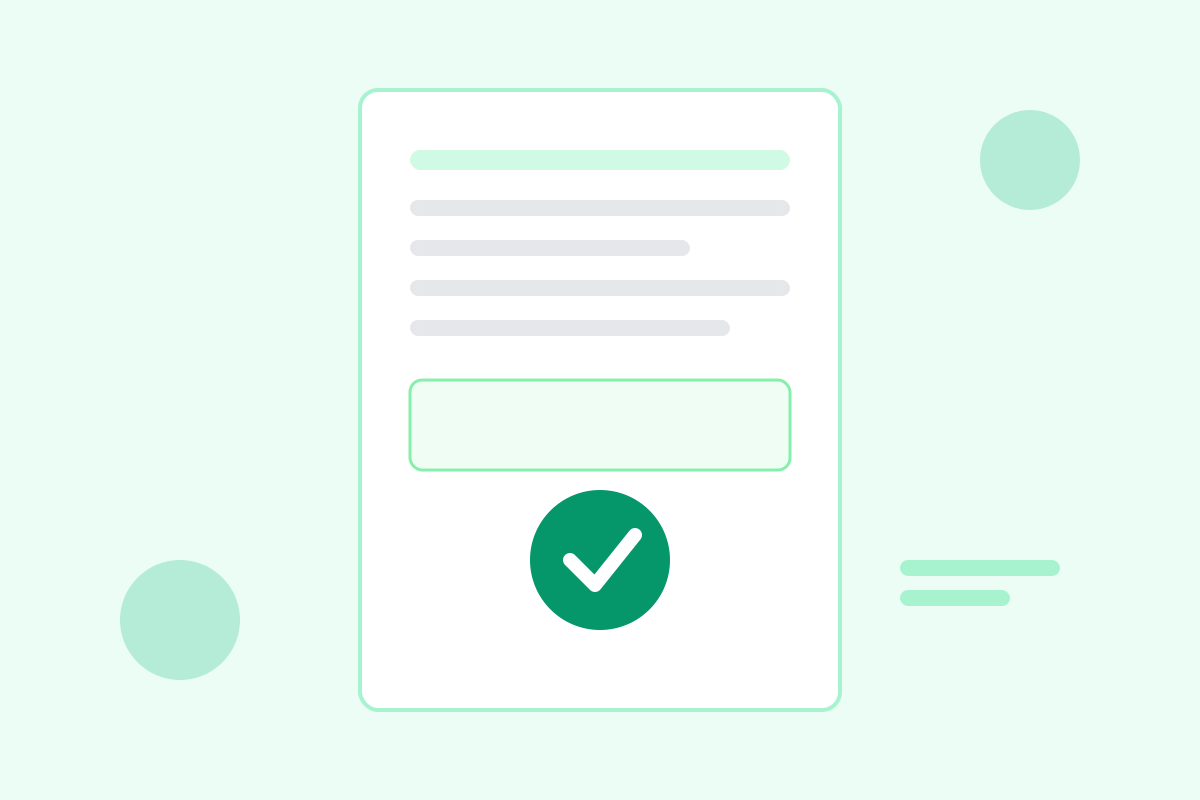
Nothing is more embarrassing than sending an important PDF — a job application, a signed contract, a tax return — only to hear back that the recipient cannot open it. The file worked fine on your computer, so what went wrong? Most likely, the PDF was damaged in a way your viewer quietly tolerated, and theirs did not. A thirty-second validation check before you send would have caught it.
This guide explains what PDF validation actually checks, the warning signs of a corrupt file, and how to validate any PDF free in your browser.
Why PDFs go bad
PDFs are robust, but they are not indestructible. The most common causes of corruption are mundane:
- Interrupted downloads or uploads. A connection that drops mid-transfer leaves a truncated file — the end of the document is simply missing.
- Interrupted saves. A crash, a dead battery, or a full disk during an export can write a half-finished file.
- Email and transfer mangling. Rare today, but some older systems still alter line endings or re-encode attachments, damaging binary content.
- Bad merges and edits. Combining files from different tools, or editing with a tool that writes non-standard structures, can produce files that only that tool can read.
- Storage decay. Files copied across failing drives or old USB sticks can pick up silent bit errors.
The tricky part is that damage is often invisible. A popular desktop reader may silently rebuild a broken cross-reference table and show you a perfect document, while a stricter reader — a government portal, a print shop’s RIP software, an archiving system — refuses the same file outright.
What validation actually checks
A validator reads the file the way the specification intends, rather than the forgiving way a viewer does. A thorough check covers:
- File header. The file must start with a valid PDF version marker. A missing or garbled header is the first sign of truncation or mislabeling.
- Cross-reference table and trailer. This index tells readers where every object in the file lives. A broken index is the single most common form of corruption, and also the most repairable.
- Page objects. Every page must be defined, with readable content streams and resources like fonts and images.
- Embedded resources. Fonts, images, and other objects the pages reference must actually exist in the file. A missing font can turn a page blank in a strict reader.
- Structural completeness. The file must end properly, with a complete trailer. A file that just stops mid-object was cut short.
Validation does not judge content quality — a valid PDF can still contain typos or ugly layouts. It answers one question: can any standards-compliant reader reliably open and render this file?
Validate your PDF in four steps
Our free tool checks all of the above without uploading your file anywhere:
- Open the validator. Go to our PDF validator — it runs entirely in your browser.
- Upload the file. Drag it in or browse to it. The check runs locally, so even confidential documents stay on your machine.
- Read the report. You get a clear pass or fail, plus details: which pages have problems, whether the cross-reference table is damaged, and whether any resources are missing.
- Act on the result. A passing file is safe to send. A failing file should be re-exported from the original source if possible, or repaired before it goes anywhere important.
Make this a habit for anything that matters: job applications, legal filings, submissions to portals with strict requirements, and files you are archiving for years. It costs seconds and prevents the worst kind of failure — one you only discover after a deadline.
Warning signs your PDF may be damaged
Run a validation check if you notice any of these:
- The file opens, but some pages are blank or show missing images or garbled characters.
- The file size looks wrong — a 40-page report that is only 12 KB is almost certainly truncated.
- A reader shows an error on open, even if it eventually displays the document.
- Printing fails or produces blank pages while the screen view looks fine.
- A portal or upload form rejects the file with a vague error about format or readability.
- The file came from an interrupted download, a recovered drive, or a forwarded email chain.
Even without symptoms, validate files you received from someone else before you forward them. Passing along a damaged file makes you the person who sent the broken attachment.
If validation fails: repair options
Do not panic — many failures are fixable:
Re-export from the source. If you still have the Word document, design file, or scan, export a fresh PDF. This produces the cleanest result and is always the first choice.
Use a repair tool. Tools that rewrite the file structure can rebuild a broken cross-reference table and recover most content. Expect minor losses in badly damaged files — check page counts and spot-check pages afterward.
Re-print to PDF. Opening the file in a tolerant reader and printing it to a new PDF often produces a valid file, though it may lose bookmarks, links, and some metadata. It is a good last resort for files you must send today.
Re-scan or re-download. For files damaged in transit, simply downloading again from the original source fixes the problem more often than any repair tool.
After any repair, validate again. A repaired file should pass the same check before you trust it — repair tools occasionally produce files that open but still fail strict validation.
Validation vs. other PDF checks
Validation is one of several useful pre-send checks, and they answer different questions. A PDF/A check confirms long-term archival compliance, which matters for legal and government archives but is overkill for everyday sharing. A preflight check (used in print shops) verifies color profiles, image resolution, and bleed for professional printing. A virus scan checks for malicious content. For most people sending everyday documents, plain structural validation is the right check: fast, free, and it catches the failures that actually embarrass you.
Add it to your routine next to spell-check. Before you attach an important PDF, take thirty seconds to confirm it is structurally sound. Your recipients — and your future self, opening an archived file in five years — will be glad you did.
Frequently asked questions
What does it mean for a PDF to be valid?
A valid PDF follows the PDF file format specification: it has a correct header, a complete cross-reference table, and readable page objects. A valid file opens reliably in any standards-compliant reader.
Why would a PDF be corrupt if it opens on my computer?
Some readers are forgiving and repair minor damage silently. Another reader — or a printer, an archive system, or a government portal — may reject the same file. Validation catches damage that one tolerant viewer hides.
Can a corrupt PDF be repaired?
Often, yes, for minor damage like a broken cross-reference table. Tools that rewrite the file structure can recover most content. Severe damage, like truncated data from an interrupted download, may lose pages permanently.
Is validating a PDF the same as checking it for viruses?
No. Validation checks the file’s structure and readability, not whether it contains malware. For security, keep your reader updated and only open PDFs from sources you trust.
Keep reading
How to Remove Annotations and Comments from a PDF Online Free
Remove highlights, sticky notes, and comments from a PDF online free — clean up marked-up documents before sharing, without installing software.
Read more →
PDF Merge Order Checklist
A free PDF merge order checklist: 28 steps to combine PDFs in the right order, catch missing pages, and send a clean final file.
Read more →
PDF Print Settings Cheat Sheet
A free PDF print settings cheat sheet: the right color, quality, paper, and scaling for drafts, official forms, photos, and booklets — plus fixes for common problems.
Read more →