PDF Form Design Checklist: Build Forms People Actually Complete
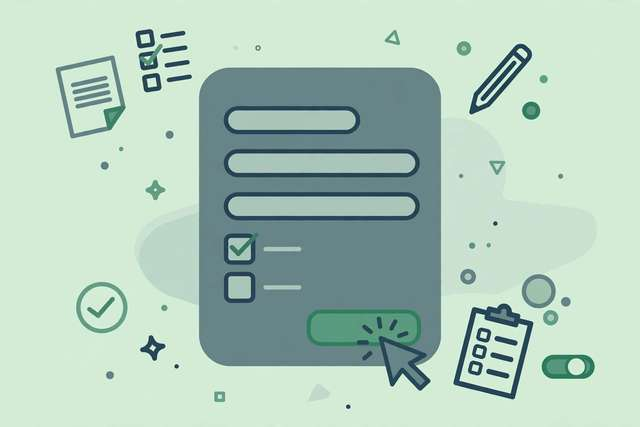
Most PDF forms feel like interrogations. Twenty required fields, cryptic labels, error messages that appear only after you hit submit — and then the form clears everything you typed. It does not have to be this way. A well-designed form respects the filler’s time: it asks only what it needs, labels every field in plain language, validates as you type, and works on a phone. This checklist gives you 25 rules across the five areas that determine whether a form gets completed or abandoned: layout and flow, labels and instructions, field design, validation and errors, and accessibility. Use it on your next application form, intake form, or survey, and watch completion rates climb.
What’s inside this checklist
The checklist covers the full form-design lifecycle. Layout and flow (6 rules) arrange fields in a single logical column, group related questions, and put the easiest questions first to build momentum. Labels and instructions (5 rules) demand plain-language labels, visible help text, and examples inside tricky fields. Field design (5 rules) covers the right field for each answer type — radio buttons for short lists, dropdowns only for long ones, date pickers for dates — plus generous sizing for touch screens. Validation and errors (5 rules) insist on inline validation, specific error messages, and never wiping entered data. Accessibility (4 rules) ensures keyboard navigation, screen-reader labels, and readable contrast. HR teams, freelancers, small businesses, and anyone who collects information via PDF gets a design standard that turns forms from chores into smooth experiences.
8 sample form design rules
A taste of the pack — the full 25-rule checklist with examples is in the free download below.
- One column, top to bottom — multi-column forms break the natural reading flow.
- Label every field in plain words: "Phone number" beats "Tel. (primary)".
- Mark required fields with an asterisk AND explain it once at the top.
- Validate as the user types — never save all errors for the submit button.
- Never clear a form on error — keep everything the user already entered.
- Use radio buttons for 2–5 options; dropdowns only for 6+ options.
- Make fields at least 44px tall on touch devices — tiny fields get abandoned.
- Test the full fill on a real phone before you publish the form.
How to use this checklist
- List every field your form currently asks for, then delete or demote to optional anything you will not actually use.
- Reorder the survivors: easiest and least personal questions first, sensitive or long answers last.
- Apply the label rules — rewrite every label in the words your audience actually uses.
- Walk through validation: fill the form wrong on purpose and confirm each error is specific, inline, and non-destructive.
- Hand the form to one real person on a phone and watch them fill it. Fix every hesitation you observe.
The checklist is a design review, not a one-time task. Run it on every new form and once a year on your most-used existing forms — completion data will tell you which rules matter most for your audience.
Frequently asked questions
PDF form or web form — which converts better? Web forms generally convert better because they validate inline and work natively on mobile. Use PDF forms when you need a printable, signable, offline-capable document — contracts, applications, official paperwork. For pure data collection, a web form usually wins.
How do I make a long form feel shorter? Break it into labeled sections with progress indicators, collapse optional sections, and show a summary before submission. Perceived effort drops dramatically when people can see how far along they are.
What about digital signatures in PDF forms? Include a clear signature field with instructions on how to sign (typed, drawn, or uploaded). Tell signers whether a typed name counts as legally binding in your jurisdiction — ambiguity here kills completion.
Download the full form design checklist
Keep reading
How to Remove Annotations and Comments from a PDF Online Free
Remove highlights, sticky notes, and comments from a PDF online free — clean up marked-up documents before sharing, without installing software.
Read more →
How to Validate a PDF File Online Free (Check for Corruption Before You Send It)
Validate a PDF online free: check for corruption, broken pages, and unreadable files before you send an important document — in seconds, in your browser.
Read more →
Livestream Equipment Checklist for Beginners
A free livestream equipment checklist for beginners: 30 steps covering software, connection, camera, lighting, audio, and going live with confidence.
Read more →