RunPod vs Paperspace vs Lambda: Best GPU Cloud for Solo Builders in 2026
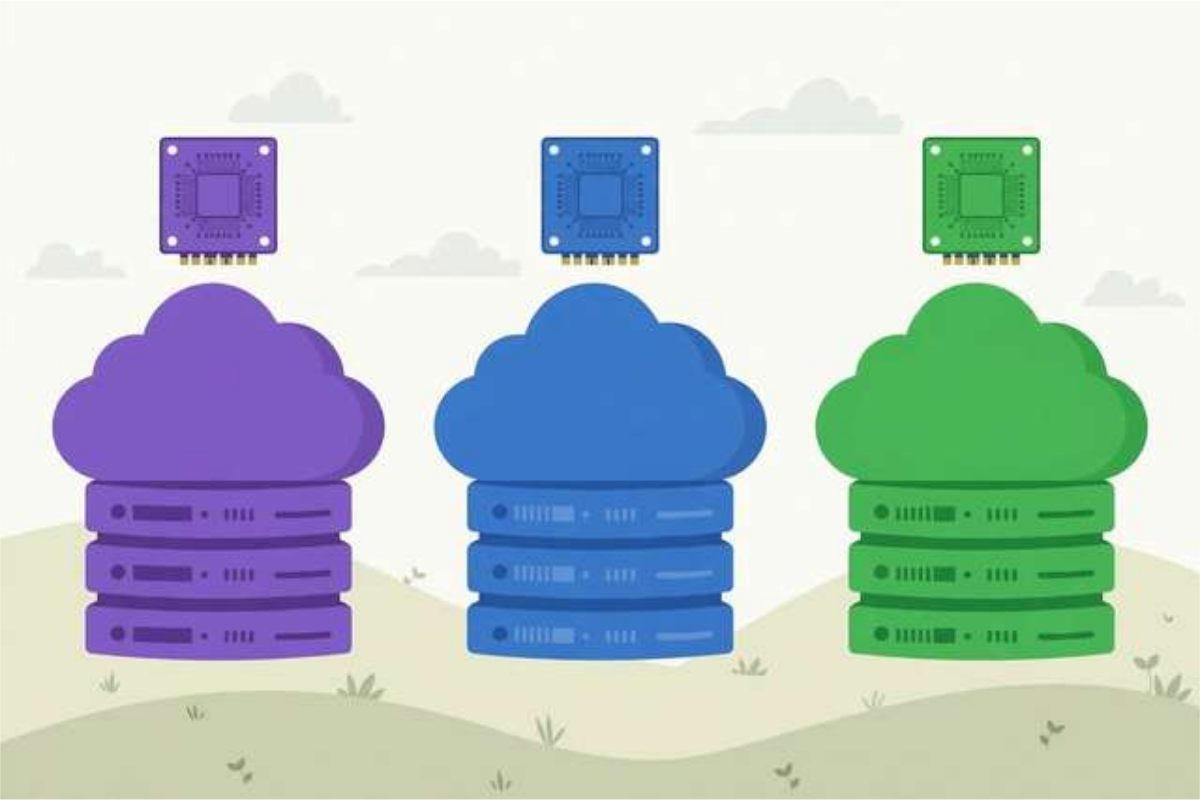
If you are building an AI side project, fine-tuning a model, or rendering a video, you will hit the same wall: your laptop’s GPU is not enough, and buying a $2,000 graphics card for a weekend project makes no sense. Renting a cloud GPU is the obvious answer — but which cloud? RunPod, Paperspace, and Lambda are the three names solo builders mention most, and they are genuinely different products hiding behind similar marketing.
This comparison looks at what actually matters for one person with a project: pricing models, which GPUs you can actually get, how easy each platform is to use, and where each one quietly costs you money.
The three platforms at a glance
RunPod is a marketplace-style GPU cloud. Alongside its own data-center capacity, it lets independent hosts rent out their hardware on the community cloud, which is why you see a huge variety of consumer cards — RTX 3090s, 4090s, A4000s — at very competitive hourly rates. You launch a “pod,” pick a template (PyTorch, Jupyter, Stable Diffusion, and more), and pay by the second.
Paperspace (now part of DigitalOcean) is the polished, beginner-friendly option. Its Gradient notebooks and console feel more like a consumer product than a server dashboard, and it offers both on-demand machines and longer-term reserved instances.
Lambda is the infrastructure-first option. It built its reputation on deep-learning workstations and cloud instances with data-center GPUs — A100s, H100s, and the like — for users comfortable managing Linux machines themselves.
Pricing models: where the money actually goes
All three charge by the hour, but the details change the bill dramatically.
RunPod’s community cloud typically offers the lowest hourly rates, especially on consumer GPUs, and bills per second, so a twenty-minute job costs twenty minutes. Its secure cloud (RunPod’s own hardware) costs more but comes with stronger uptime guarantees. Watch for storage charges on persistent volumes and the cost of leaving a pod running.
Paperspace prices machines as bundles — GPU plus CPU, RAM, and storage — which makes comparison harder but billing simpler. Its per-hour rates can look higher than RunPod’s, but reserved pricing brings them down substantially for machines kept for weeks.
Lambda prices its instances by the hour with data-center GPUs, and its on-demand rates are competitive for A100 and H100 class hardware. It also sells reserved capacity and physical workstations. For a solo builder who needs a pro GPU for a few days, Lambda is often the cheapest way to get one; for a quick evening job on a consumer card, it is usually not the cheapest option.
The honest rule: for short bursts on consumer GPUs, RunPod usually wins on price. For a machine you will keep for a month, compare Paperspace reserved and Lambda longer-term rates first.
GPU availability: what you can actually rent
A low advertised price means nothing if the GPU is out of stock when you need it.
RunPod’s marketplace model gives it the widest selection, including many consumer cards the other two do not emphasize. Availability varies by region and time of day, and popular cards can sell out during peak hours — but with dozens of hosts, something usable is almost always available.
Paperspace’s catalog is narrower and more curated, with solid mid-range and professional cards and generally stable availability, since it runs its own capacity rather than a marketplace. If you need an exotic card, though, you may not find it here.
Lambda’s strength is data-center GPUs. If your workload needs an A100 or H100 with lots of VRAM and fast interconnects, Lambda is the most reliable of the three for actually getting one.
For typical solo-builder work — fine-tuning a small model, running Whisper or Stable Diffusion, rendering — a consumer card is plenty, and RunPod’s selection is the best fit.
Ease of use: from sign-up to first job
Paperspace wins on beginner experience. Its console is clean, notebooks launch in a couple of clicks, and you rarely touch the command line unless you want to. If you have never rented a server before, start here.
RunPod takes a little learning. You choose between community and secure cloud, pick a template, and manage pods through a dashboard. Its template library is a genuine time-saver: a PyTorch or Stable Diffusion pod is ready in minutes.
Lambda expects the most from you. You get a Linux machine and SSH access, and you are responsible for drivers, environments, and tooling. Experienced developers will feel at home; beginners may spend their first evening on setup rather than their project.
The hidden costs to watch on all three
Every platform has the same trap: idle machines. A running GPU bills whether you are using it or not, and a forgotten weekend pod can cost more than the project itself. Use auto-stop features where available, and set a phone reminder when you launch anything.
Storage is the second surprise. Persistent volumes, snapshots, and saved machine images all bill separately from compute. Delete volumes you no longer need.
Data transfer is usually the third cost, though rarely large for solo projects. Cache big datasets and model weights on a persistent volume instead of re-downloading them every session.
Which one should you pick?
Choose RunPod if you want the widest GPU selection, the lowest hourly rates for short jobs, and per-second billing. It is the best default for solo builders doing varied work — transcription one week, image generation the next. If you decide to try it, you can sign up for RunPod here. Disclosure: this is an affiliate link — signing up through it earns us both a randomized $5–$500 credit bonus once you spend your first $10, at no extra cost to you. Rewards are credits, not cash, and credits are non-transferable and expire after 90 days. RunPod’s referrer also earns 3% of Pod spend and 5% of Serverless spend for the referral’s first 6 months.
Choose Paperspace if you are new to cloud GPUs, want the smoothest experience, or plan to keep a machine running for weeks on a reserved plan. Its notebooks are also a good fit for learning and experimentation.
Choose Lambda if you need data-center GPUs like the A100 or H100, want reliable availability for serious training runs, and are comfortable managing your own Linux environment.
Most solo builders end up using more than one over time: RunPod for cheap experimentation, Lambda for heavy training runs, Paperspace when they want something that just works. Sign up where the GPU you need is available at the price you like, and let the project decide.
Frequently asked questions
Which is cheapest for a solo builder: RunPod, Paperspace, or Lambda?
For short, sporadic jobs, RunPod’s community cloud is usually cheapest because of its wide range of consumer GPUs and per-second billing. Paperspace can be cheaper for long-running reserved machines, and Lambda is competitive on on-demand pro GPUs.
Which GPU cloud is easiest for a beginner?
Paperspace is the most beginner-friendly thanks to its polished console and notebook interface. RunPod is close behind once you learn its pod templates, while Lambda suits users who are already comfortable with the command line.
Can I get an RTX 4090 on all three platforms?
RunPod’s community cloud commonly lists RTX 4090s and 3090s. Paperspace offers a mix of professional and consumer cards depending on region, and Lambda focuses more on data-center GPUs like the A100 and H100, with consumer cards less common.
Do these platforms charge when my machine is idle?
Yes, in most cases a running machine bills whether you are using it or not, though some offer stop states that pause billing for compute while keeping storage. Always check the billing rules and shut down machines you are not using.
Keep reading
How to Run Whisper Speech-to-Text on a Rented Cloud GPU
Run OpenAI Whisper on a rented cloud GPU: pick the right GPU, launch a pod, transcribe hours of audio fast, and keep costs low.
Read more →
How to Fine-Tune an LLM with LoRA on RunPod: A Cheap GPU Guide for 2026
Fine-tune any LLM with LoRA on a cheap RunPod GPU: pick a pod template, launch JupyterLab, train with Unsloth, then merge and export your adapter step by step.
Read more →
RunPod Spot vs On-Demand Pods: How to Save Money on GPU Rentals in 2026
RunPod spot vs on-demand pods: how spot pricing works, when interruptions happen, realistic $/hr examples, and practical strategies to cut your GPU bill.
Read more →