Product Photo Shot List Template
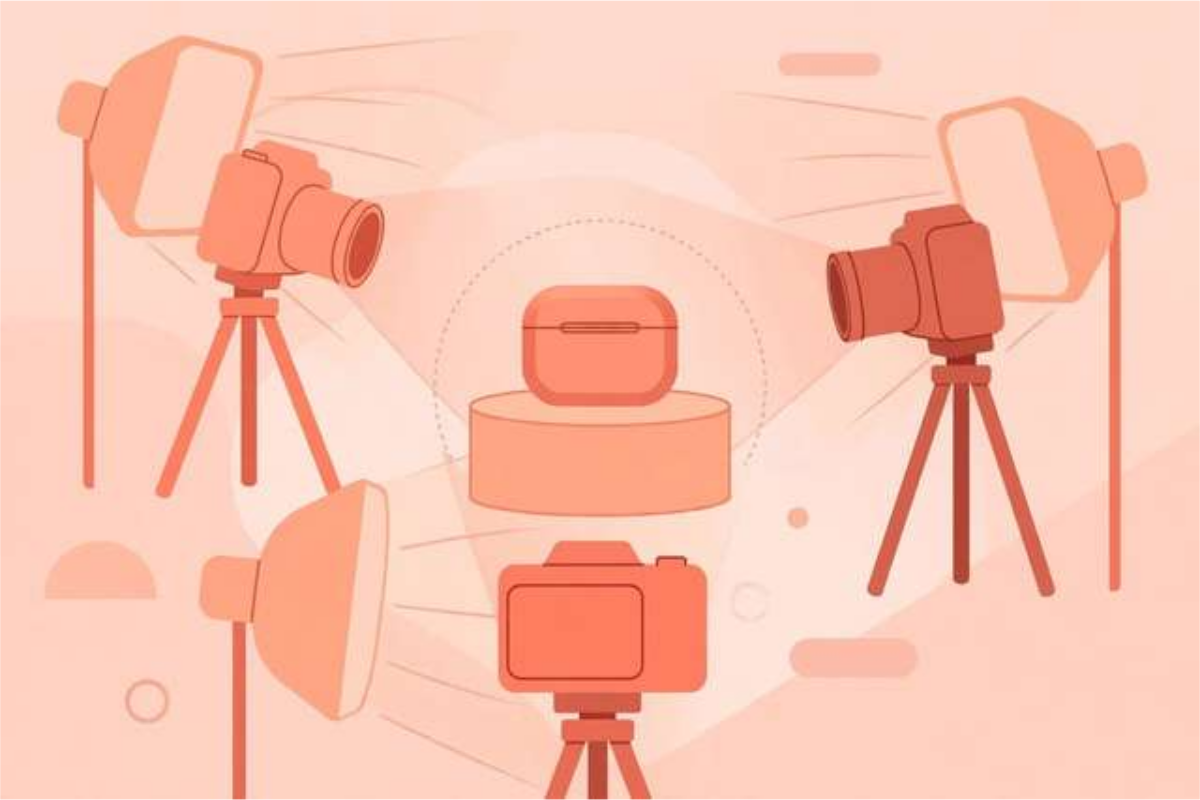
Shoppers cannot touch, hold, or try a product online, so your photos do all the selling. Listings with only one or two angles leave buyers guessing about size, texture, color, and quality — and guessing buyers usually leave. Professional product photography is not about expensive cameras; it is about covering the shots that answer a buyer’s questions before they ask them. A shot list makes that coverage automatic instead of accidental. This template gives you 40 shots organized into eight groups: hero shots, details, scale and context, color variants, people and use, brand story, technical shots, and social extras. It suits online sellers, small businesses, and creators photographing products for shops or listings. Ten shots are shown below; the free download holds the complete 40-shot list with shooting tips.
What’s inside this shot list
Hero shots are the first images a buyer sees, so the list starts there: front, three-quarter, back, flat lay, and a lifestyle shot. Detail shots follow — texture, stitching, labels, and moving parts — because close-ups are what replace touching the product in a store. Scale shots answer the most common buyer question (‘how big is it really?’) with hands, rulers, and real settings. Color and variant shots keep listings consistent by shooting every option from the same angle in the same light. People and use shots show the product in action, brand shots tell the story behind it, and technical shots cover dimensions, weight, and care labels. The final group adds the social crops and short videos that turn one shoot into listing images and marketing content at the same time.
Product photo shot list (free sample)
Ten shots from the full 40-shot list. The complete list with shooting tips is in the free download.
- Front view, straight on, clean background
- Three-quarter angle showing depth and shape
- Back view with labels or details visible
- Top-down flat lay on a neutral surface
- Lifestyle shot: product in real use
- Close-up of material or texture
- Close-up of stitching, seams, or craftsmanship
- Label, logo, or branding detail
- Any buttons, zippers, clasps, or moving parts
- Size reference: product next to a hand or common object
How to use this resource
- Work through the list in group order during a shoot, and tick off each shot as you take it.
- Shoot every variant from the same angles and in the same light so listings look consistent.
- Clean the product and the surface before each group — dust and fingerprints show up on camera.
- Take more shots than the list asks for; deleting extras costs nothing, but reshooting costs a whole session.
- After the shoot, pick the hero shot first, then build the listing around it with details and scale shots.
One organized shoot with this list produces better listings than three rushed shoots without one.
Frequently asked questions
Do I need an expensive camera for product photos?
No. A modern phone camera with good natural light produces excellent product photos. Consistent angles, a clean background, and sharp focus matter far more than the camera body.
How many photos should a listing have?
Aim for at least six to eight: one hero, two or three details, one scale shot, and one lifestyle shot. More is better, as long as every photo adds information.
What background works best?
A plain white, light gray, or clean neutral surface. Busy backgrounds distract from the product and make listings look inconsistent.
Download the Product Photo Shot List Template
Keep reading
50 AI Product Photography Prompts
50 copy-paste AI prompts for product photography: cosmetics, gadgets, apparel, food, and jewelry shots. Free download.
Read more →
Photography Composition Checklist: 30 Rules for Better Shots
30 photography composition rules explained in plain English — rule of thirds, leading lines, light, and framing for instantly better photos on any camera.
Read more →
How to Make a PDF Contact Sheet From Photos (Free)
Make a PDF contact sheet from your photos: a free browser tool arranges thumbnails into a printable grid — perfect for proofing, portfolios, and records.
Read more →