RunPod Pricing Explained: How Much Does Cloud GPU Rental Cost in 2026?
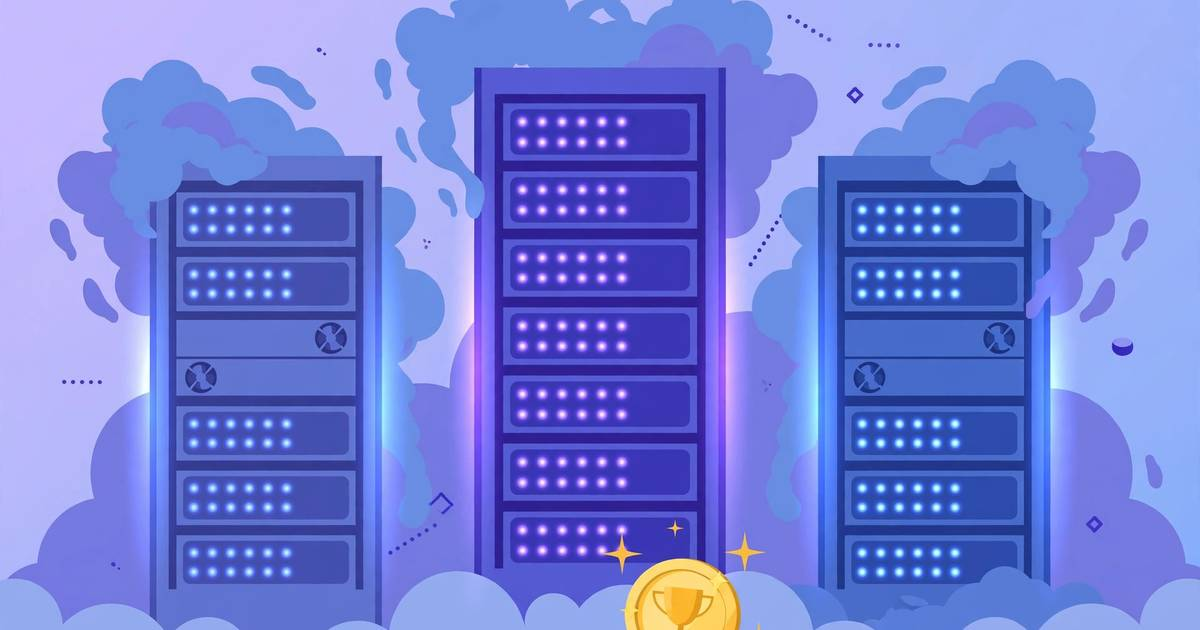
Renting a cloud GPU used to mean an enterprise contract and several dollars an hour. In 2026, platforms like RunPod flipped that: spin up a serious GPU for AI training, inference, or rendering in minutes, paying by the second — often for less than a cup of coffee per hour.
But RunPod pricing has moving parts — on-demand vs spot vs serverless, community vs secure cloud — and the wrong choice can double your bill. This guide breaks it down with real example costs.
Disclosure: this post contains a referral link; we may earn GPU credits if you sign up.
How RunPod Pricing Works: The Three Products
RunPod sells GPU compute in three main ways. Understanding which one fits your workload is the single biggest lever on your bill.
1. GPU Pods (On-Demand)
Pods are the flagship product: persistent Docker containers on a rented GPU that you control through a terminal, Jupyter notebook, or SSH — basically a virtual machine with a powerful graphics card attached.
- Billing: per second, charged against your account balance.
- Best for: training models, long experiments, development environments, anything that needs to stay running.
- Two tiers: Community Cloud (GPUs from individual hosts worldwide — cheaper) and Secure Cloud (RunPod-operated data centers with compliance certifications — pricier but more reliable).
2. Spot (Interruptible) Pods
Spot pods are the same as regular pods, except the host can reclaim the GPU if someone pays full price — with about a 30-second warning. Your container gets interrupted, but you can restart it and pick up where you left off.
- Discount: typically 30–60% off the on-demand price.
- Best for: fault-tolerant workloads — training runs with checkpointing, batch rendering, hyperparameter sweeps where losing one worker is no big deal.
3. Serverless Endpoints
Serverless is for inference, not training. You deploy your model as an API endpoint; RunPod scales GPU workers up and down automatically. You pay per execution (per second of GPU time while requests run) plus a small base fee.
- Best for: serving models to apps, bursty workloads, anything that doesn’t need a GPU sitting idle.
- Why it saves money: a pod idles at full price 24/7; a serverless endpoint costs ~$0 when nobody is calling it.
Real Example Costs in 2026
GPU prices on RunPod move with supply and demand, and community hosts set their own rates, so treat these as realistic ballparks rather than quotes — always confirm the live price before deploying:
| GPU | On-Demand (approx.) | Spot (approx.) | Good for |
|---|---|---|---|
| RTX 3090 | $0.20–$0.40/hr | $0.12–$0.25/hr | Hobby training, fine-tuning small models |
| RTX 4090 | $0.35–$0.70/hr | $0.20–$0.40/hr | Training 7B models, fast inference, rendering |
| A100 40GB | $1.00–$1.60/hr | $0.60–$1.00/hr | Large-model training, big VRAM workloads |
| A100 80GB | $1.40–$2.20/hr | $0.90–$1.40/hr | Training 13B+ models, long-context inference |
| H100 80GB | $2.00–$3.50/hr | $1.20–$2.10/hr | Frontier training, fastest inference per token |
For perspective, a month of continuous RTX 4090 at $0.50/hr is about $360 — roughly what you’d pay in electricity and depreciation running your own card, without the upfront $1,600+ purchase. A 24-hour training run on an A100 80GB at $1.80/hr costs around $43 — a fraction of a hyperscaler bill.
How Billing Actually Works
- Add funds. RunPod requires a minimum $10 deposit to your account balance. You can top up with a card or crypto.
- Deploy a pod. Pick a GPU, a template (PyTorch, Jupyter, RunPod’s defaults), and a tier. The hourly rate is shown before you confirm.
- Pay per second. Billing accrues per second of pod uptime — not per “job”. A pod you leave running overnight keeps billing overnight.
- Stop to stop paying. Terminating a pod ends billing immediately. Restarting later is a fresh deployment.
The #1 beginner mistake is leaving a pod running after the work is done. Set a habit: stop the pod the moment your notebook closes. Some users even set calendar reminders for long runs.
7 Practical Tips to Cut Your RunPod Bill
- Use spot for anything checkpointed. If your training saves checkpoints every epoch, spot pricing cuts 30–60% off with minimal risk.
- Pick the smallest GPU that fits. Don’t rent an H100 for inference a 4090 handles. Check your model’s VRAM needs first —
nvidia-smiand a quick memory estimate go a long way. - Use serverless for inference. An always-on inference pod at $0.50/hr costs $360/month; a serverless endpoint serving the same bursty traffic might cost $20–$50.
- Prefer community cloud when reliability isn’t critical. Community hosts are meaningfully cheaper than secure cloud for the same GPU.
- Shut pods down, don’t just disconnect. Closing the browser tab doesn’t stop billing. Terminate the pod in the dashboard.
- Batch your experiments. Queue up runs and execute them in one long session rather than spinning pods up and down repeatedly — you avoid idle gaps and repeated environment setup.
- Watch the referral credits. New accounts referred through a link like RunPod’s referral program can earn credits — more on that below.
RunPod Referral Terms: What You Actually Get
RunPod’s referral program pays in credits, not cash — and the terms are worth stating precisely:
- Both the referrer and the new user receive a randomized $5–$500 credit bonus once the referred user spends their first $10.
- The referrer additionally earns 3% of the referral’s Pod spend and 5% of their Serverless spend for the first 6 months, paid as credits.
- Credits are non-transferable and expire after 90 days.
- Cash payouts exist only at RunPod’s invited affiliate tier, which requires 25 paying referrals — not something a casual referral link unlocks.
The honest incentive, then: $5–$500 in free GPU credits for both of us once you add your first $10 — a genuine head start on your first experiments. If you want to try RunPod, you can sign up here: RunPod.
When RunPod Is (and Isn’t) the Right Choice
Choose RunPod when you want cheap, flexible GPU hours for training, fine-tuning, or inference without a contract — solo developers, researchers, students, and indie hackers are the sweet spot.
Look elsewhere when you need guaranteed uptime SLAs, compliance certifications, or tightly integrated managed ML pipelines.
Frequently Asked Questions
How much does it cost to rent an RTX 4090 on RunPod? On-demand RTX 4090 pods typically rent for around $0.35–$0.70 per hour depending on the host, with secure cloud pods at the higher end. Spot (interruptible) instances can drop that to roughly $0.20–$0.40 per hour. Prices fluctuate with demand, so always check the live price in the RunPod template view before deploying.
Is RunPod cheaper than AWS or Google Cloud for GPUs? For most AI training and inference workloads, yes — often dramatically. A GPU that costs $3–$8 per hour on a hyperscaler may rent for under $1 per hour on RunPod’s community cloud. The trade-off is fewer managed services and no SLA on community hosts.
How does RunPod billing work — is it pay as you go? RunPod is pay-as-you-go by the second. You add funds to your account (minimum $10), and pods bill per second of uptime. When you stop a pod, billing stops. There’s no monthly commitment required for pod rentals.
What is the difference between RunPod Pods and Serverless? Pods are persistent, always-on GPU containers you control like a virtual machine. Serverless is auto-scaling inference endpoints that charge per execution time — you pay only when requests run, which is cheaper for bursty inference workloads.
Keep reading
RunPod vs Paperspace vs Lambda: Best GPU Cloud for Solo Builders in 2026
RunPod vs Paperspace vs Lambda compared for solo builders: pricing models, GPU availability, ease of use, and which cloud fits your project.
Read more →
How to Fine-Tune an LLM with LoRA on RunPod: A Cheap GPU Guide for 2026
Fine-tune any LLM with LoRA on a cheap RunPod GPU: pick a pod template, launch JupyterLab, train with Unsloth, then merge and export your adapter step by step.
Read more →
RunPod Spot vs On-Demand Pods: How to Save Money on GPU Rentals in 2026
RunPod spot vs on-demand pods: how spot pricing works, when interruptions happen, realistic $/hr examples, and practical strategies to cut your GPU bill.
Read more →