SaaS Landing Page Prompt (Build a Full Site With One AI Prompt)
SaaS Landing Page Prompt 🌐
Describe your product once — get a complete, high-converting landing page: hero, features, pricing, testimonials, FAQ. This is the prompt format that works best with AI website builders.
The prompt
Build a modern, high-converting landing page for [PRODUCT NAME], a [ONE-LINE DESCRIPTION, e.g. AI meeting-notes app for remote teams].

Sections in order: 1) sticky navbar with logo + CTA button, 2) hero with bold headline, subheadline, and email signup form, 3) trusted-by logos strip, 4) 3 key features with icons, 5) how it works in 3 steps, 6) pricing with 3 tiers (highlight the popular plan), 7) testimonials carousel (3 quotes), 8) FAQ accordion (5 questions), 9) final CTA + footer.

Style: [PRIMARY COLOR, e.g. deep green] + white, Inter font, generous whitespace, rounded cards, subtle scroll-reveal animations, fully mobile-responsive. Copy tone: friendly, confident, benefit-focused. No lorem ipsum — write realistic copy.
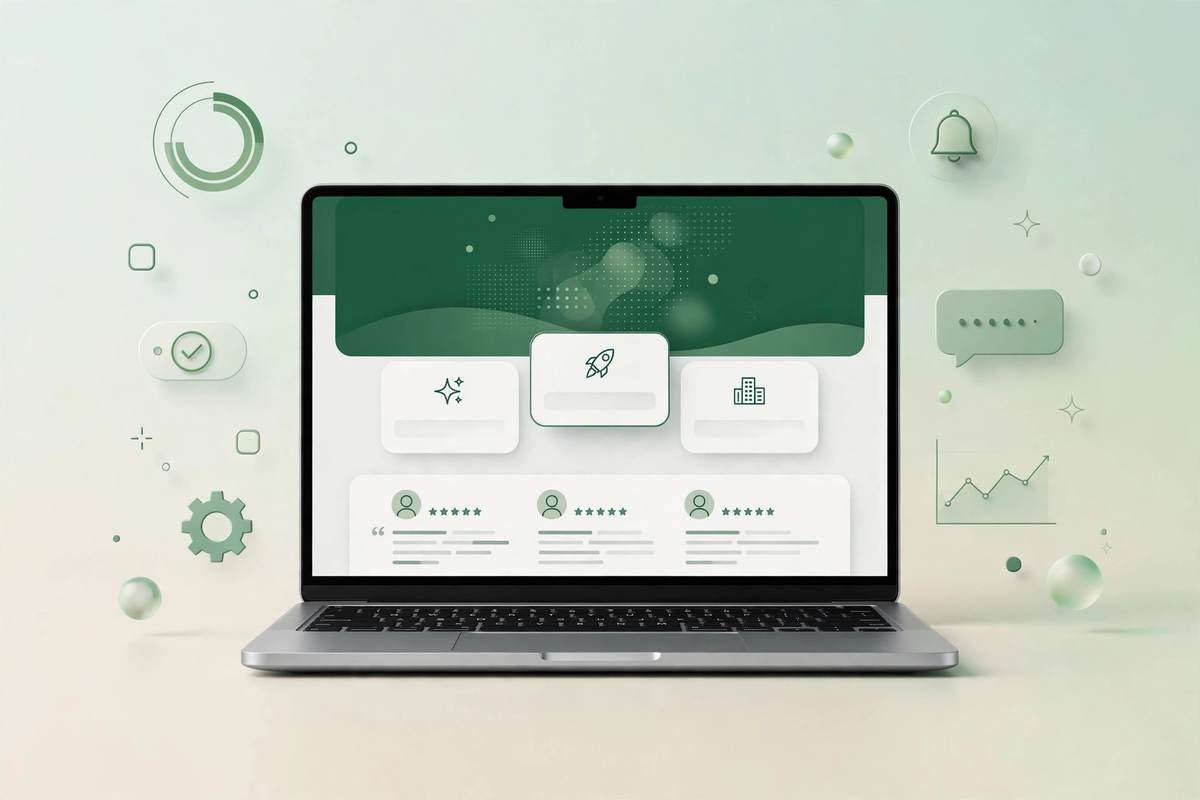
Preview — what this prompt creates
Mockup preview — paste the prompt into v0, Lovable, or Bolt to get a real working page in this style.
Best AI tools for this
- v0 (Vercel) — best React/Tailwind output, one-click deploy
- Lovable — full-stack apps with database
- Bolt — fast full-stack prototyping
- Framer AI — designer-friendly, publish instantly
Make it yours
- [PRODUCT NAME] + description — the AI writes all copy from this, so be specific
- Sections — delete or reorder sections to fit (e.g., drop pricing for a waitlist page)
- Style — name real palettes: “Stripe-style blue”, “Notion minimal”, “Linear dark mode”
Pro tips
- Generate once, then iterate with follow-ups: “make the hero bolder”, “add a comparison table”.
- Replace AI copy with your real voice before launch — it converts better.
- Connect analytics on day one so you know what to improve.